









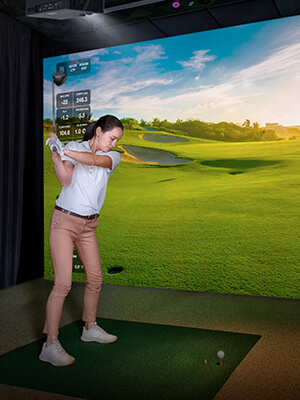
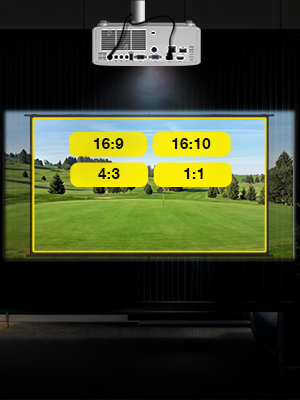

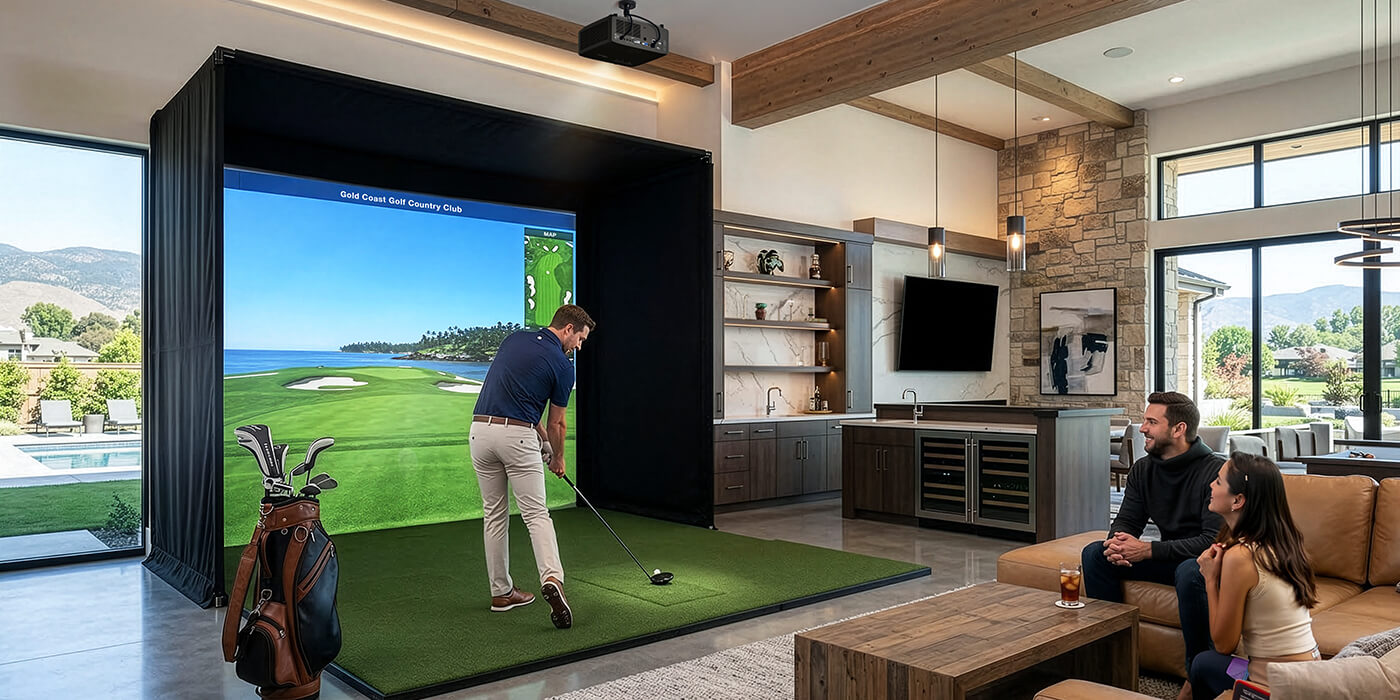
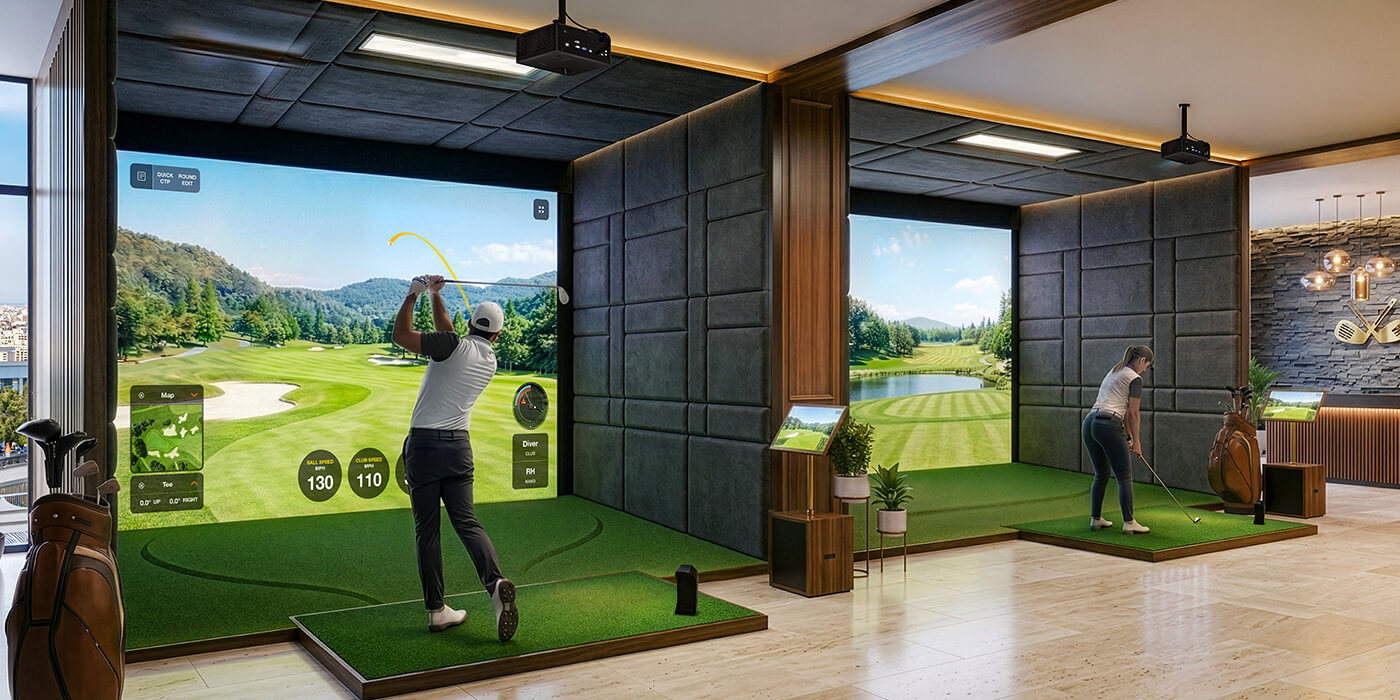
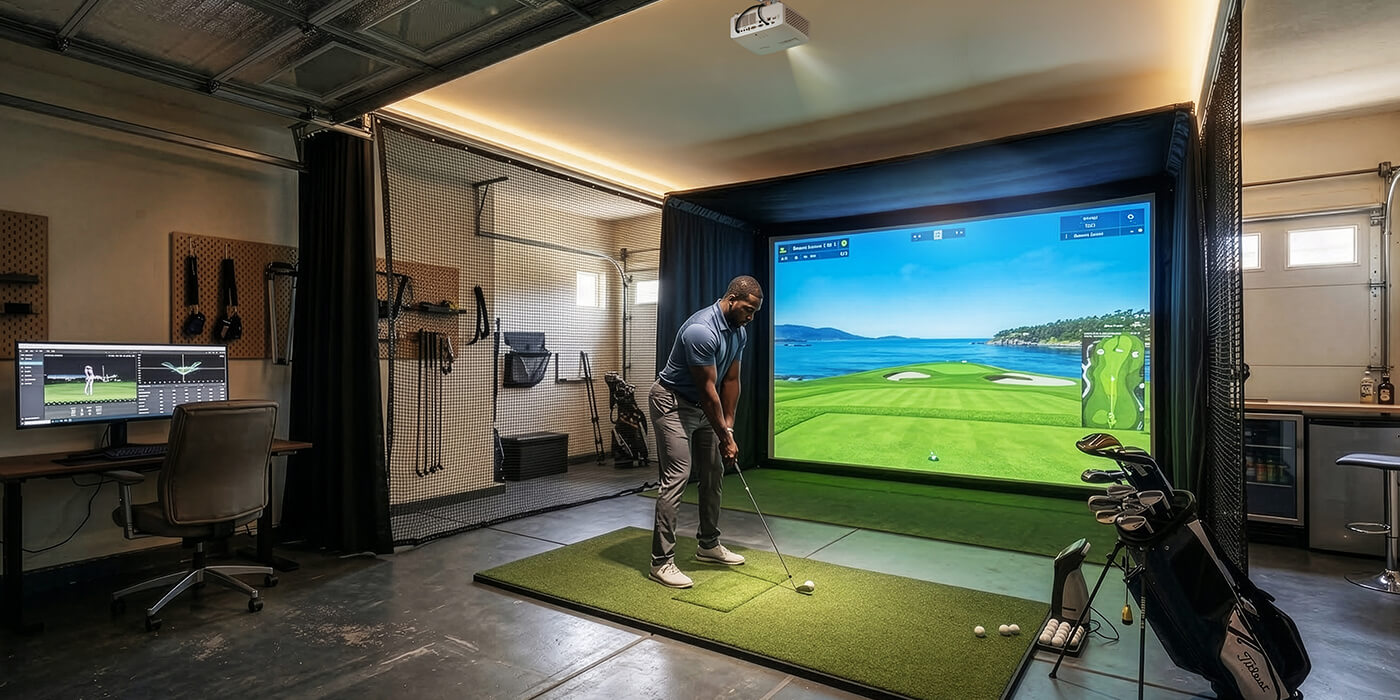
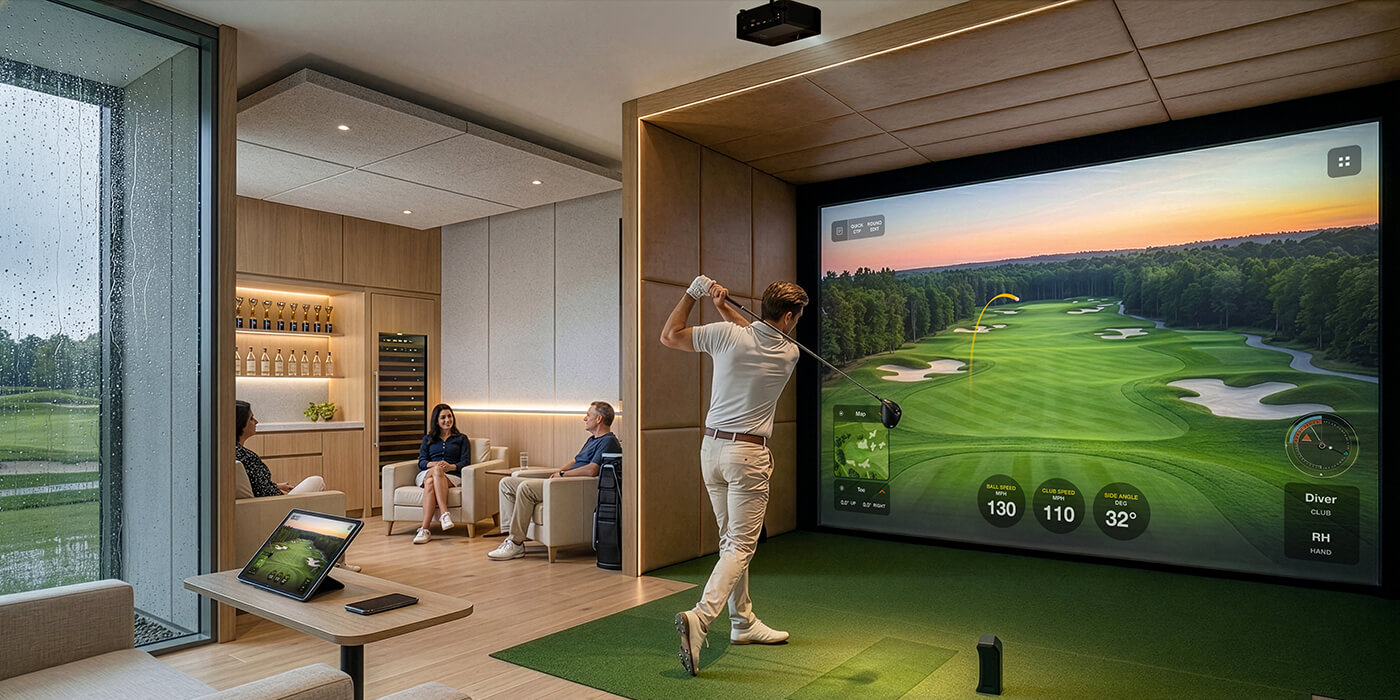
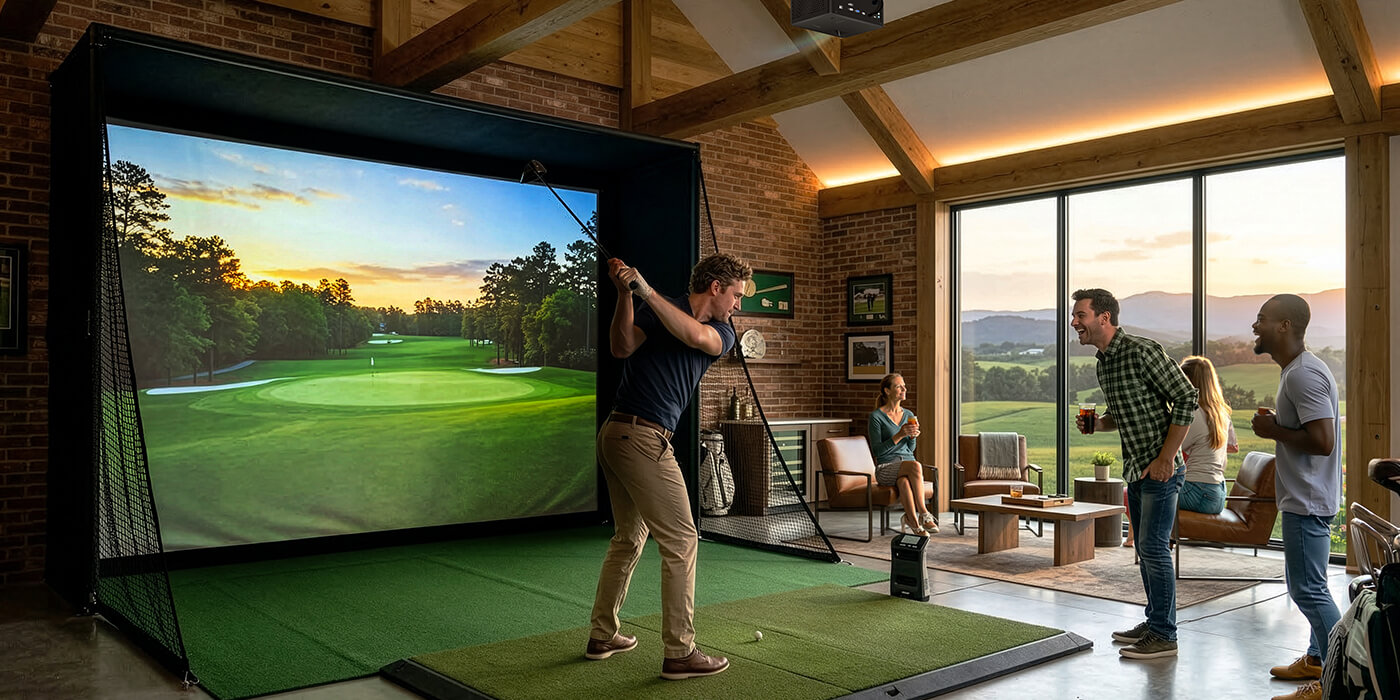


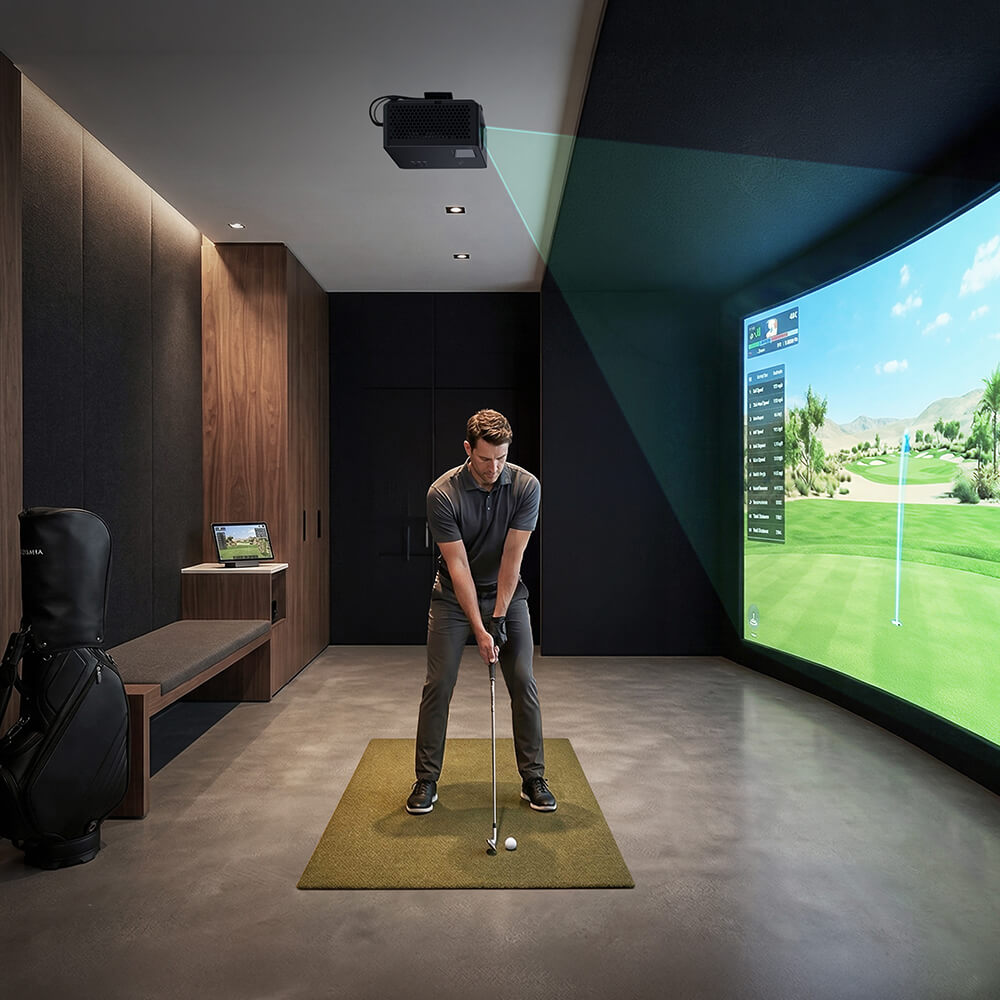
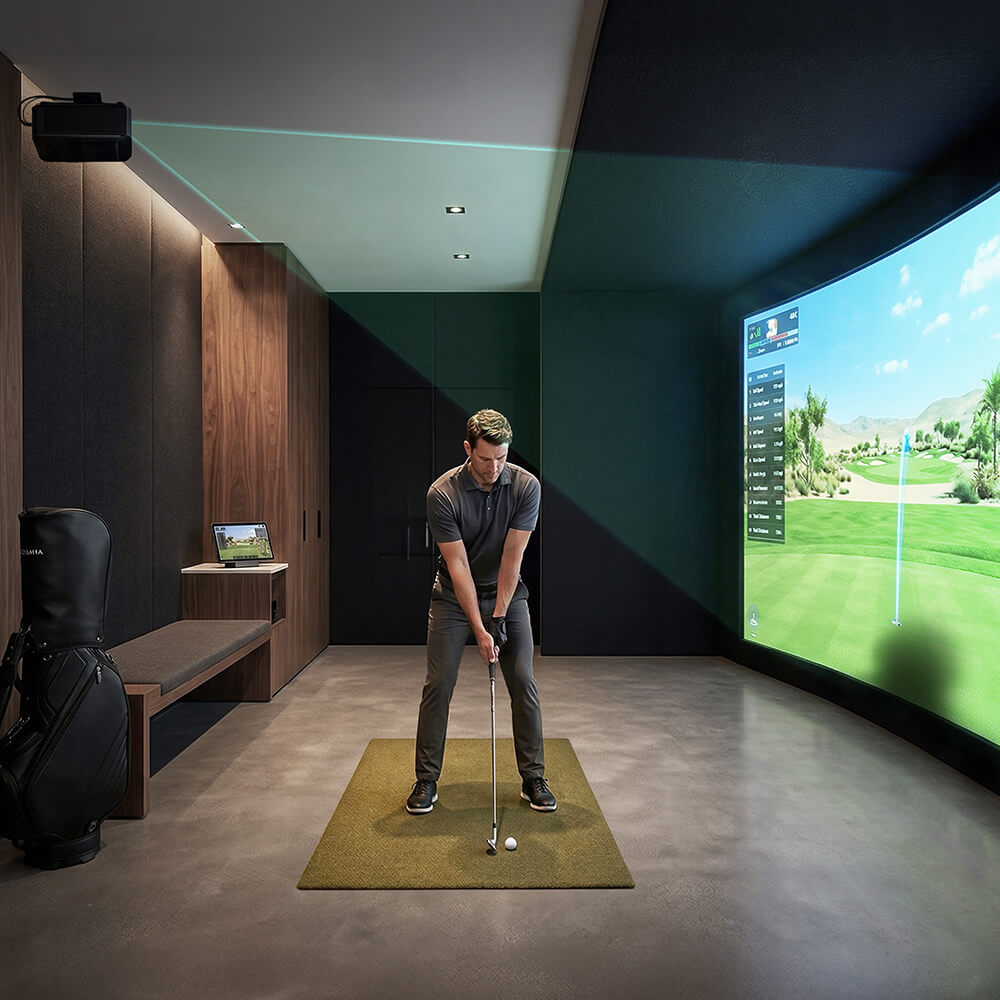


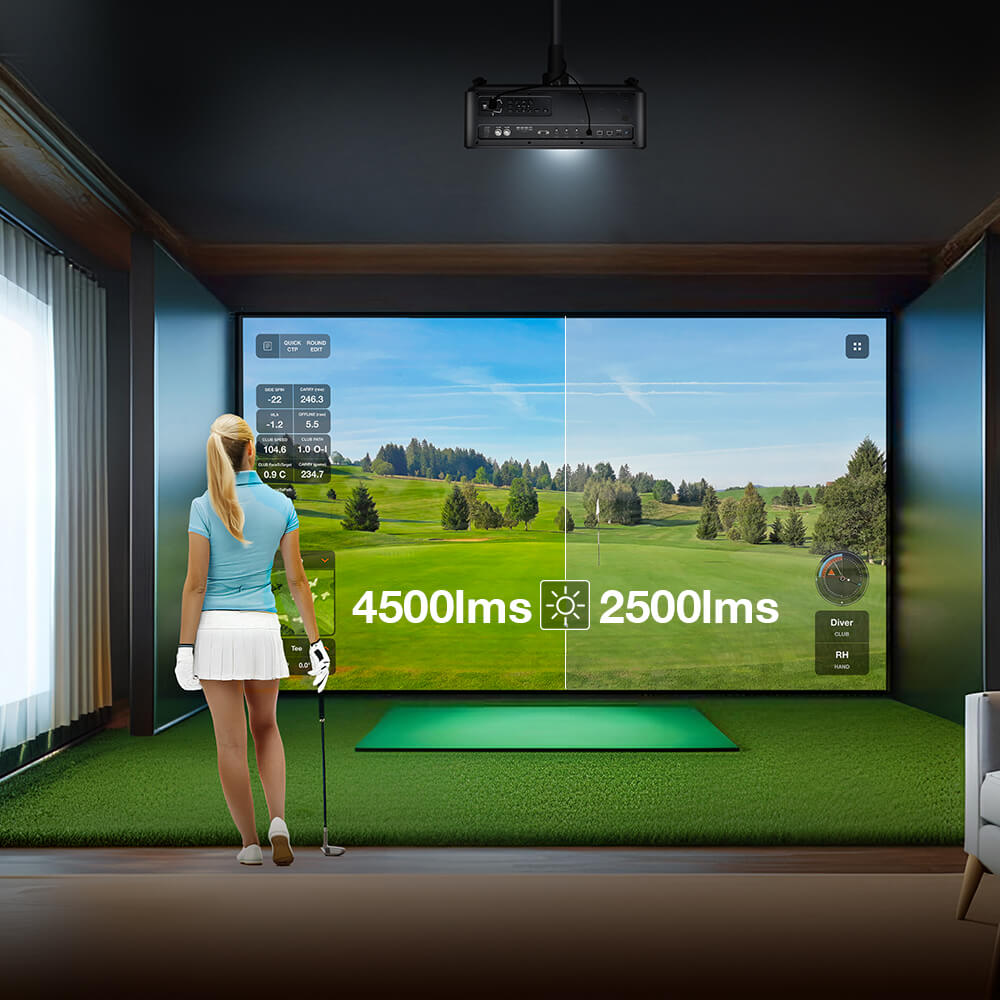
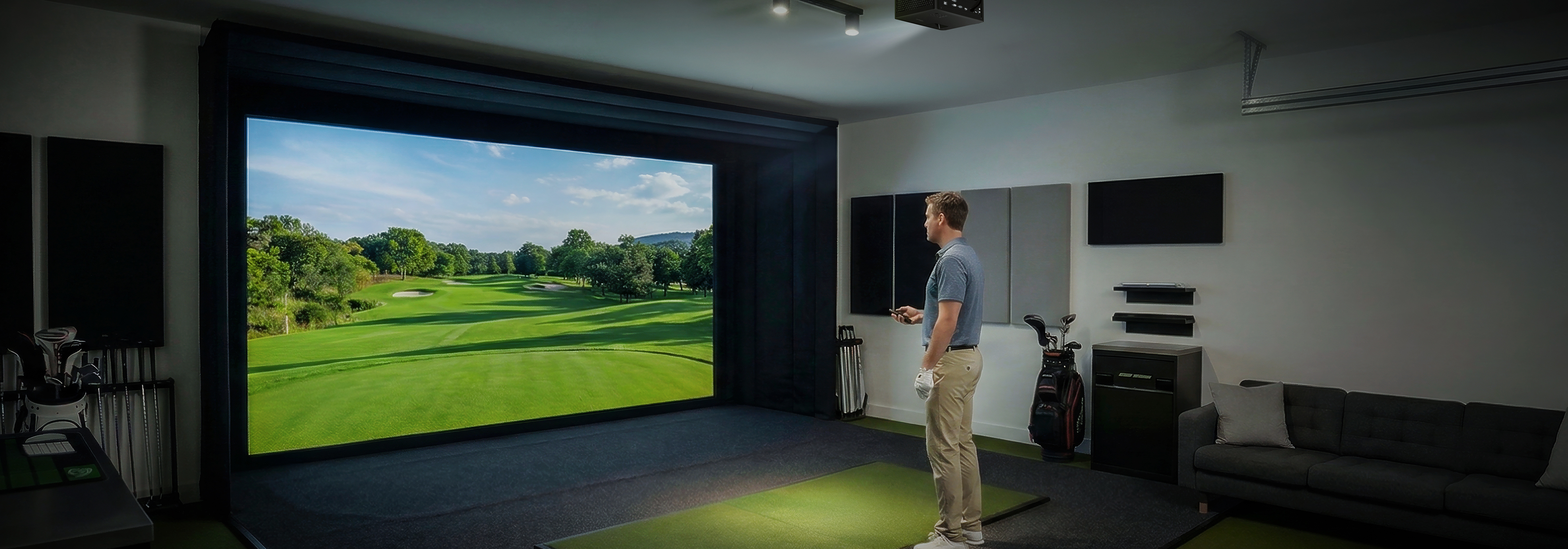
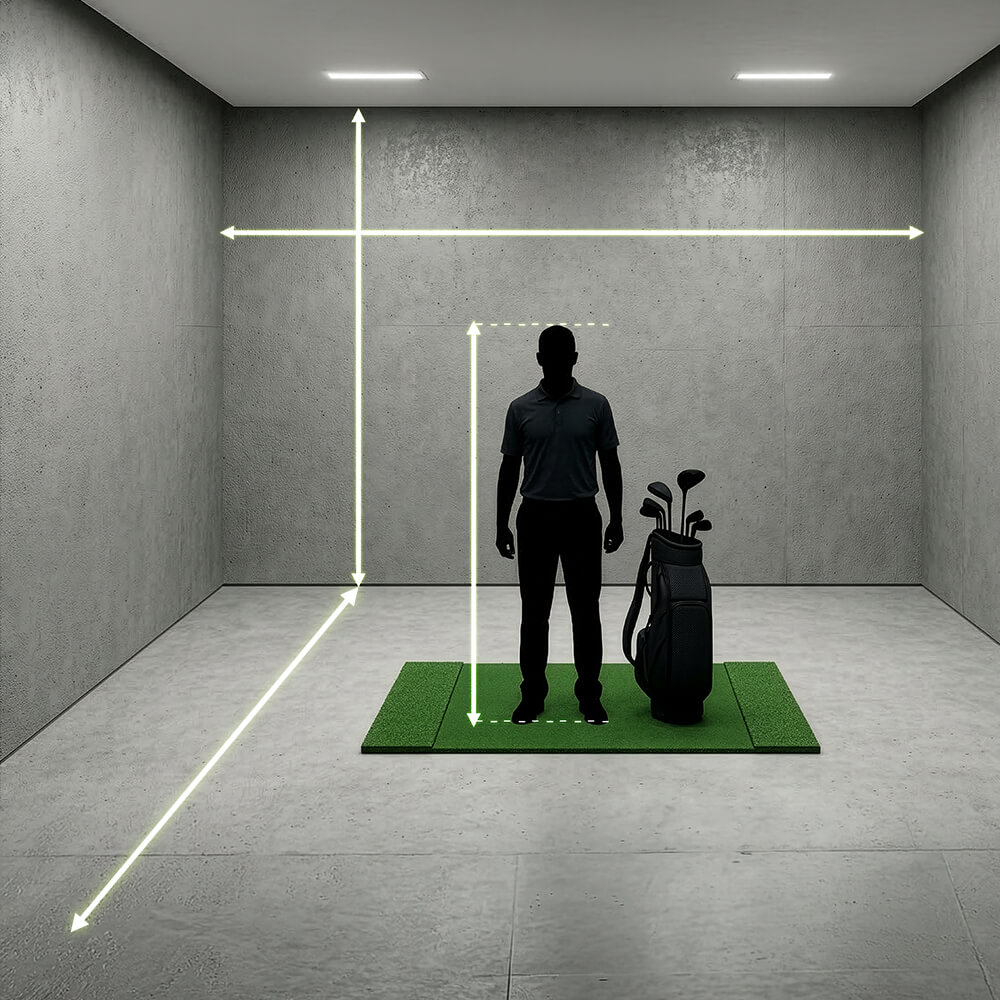
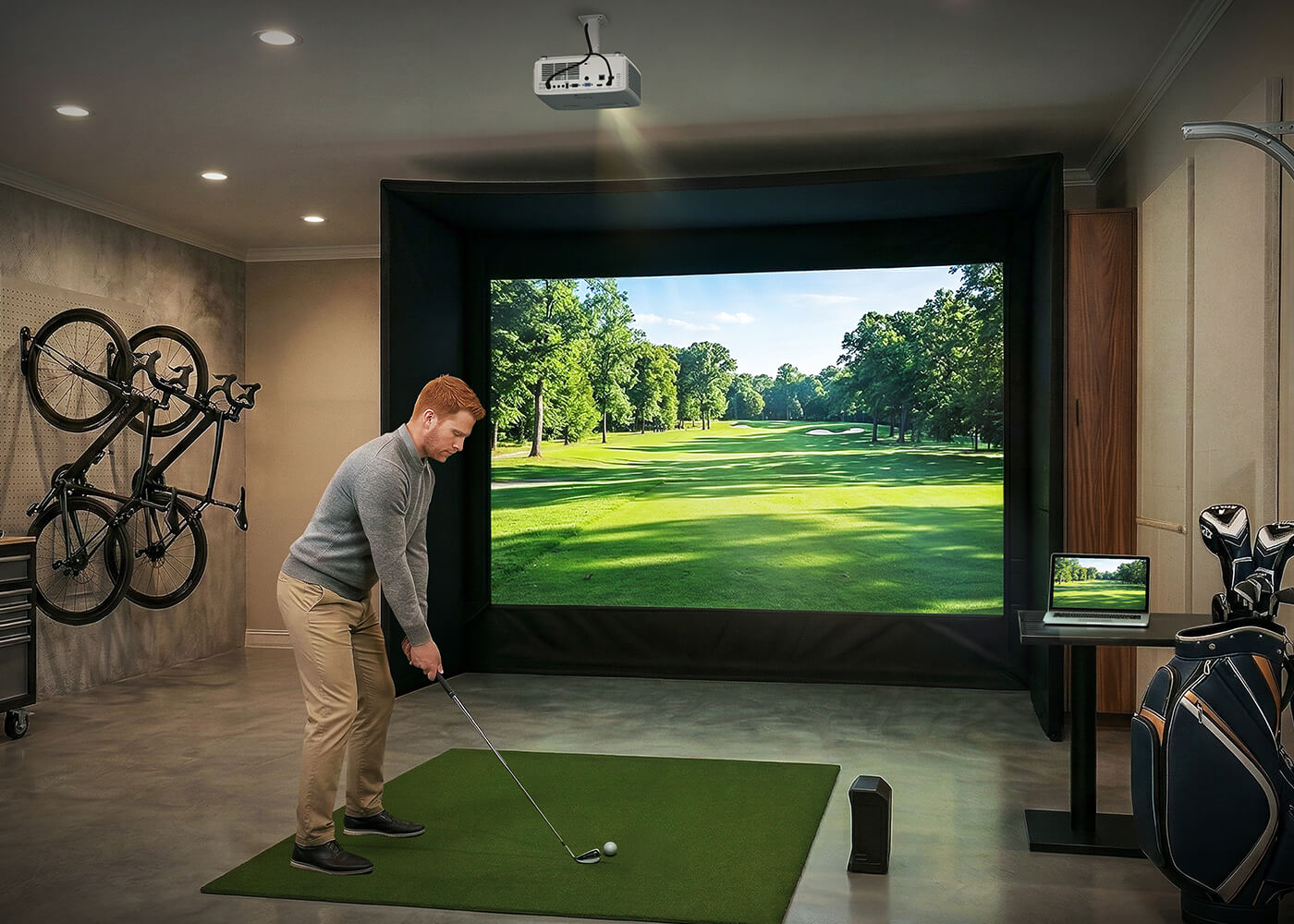
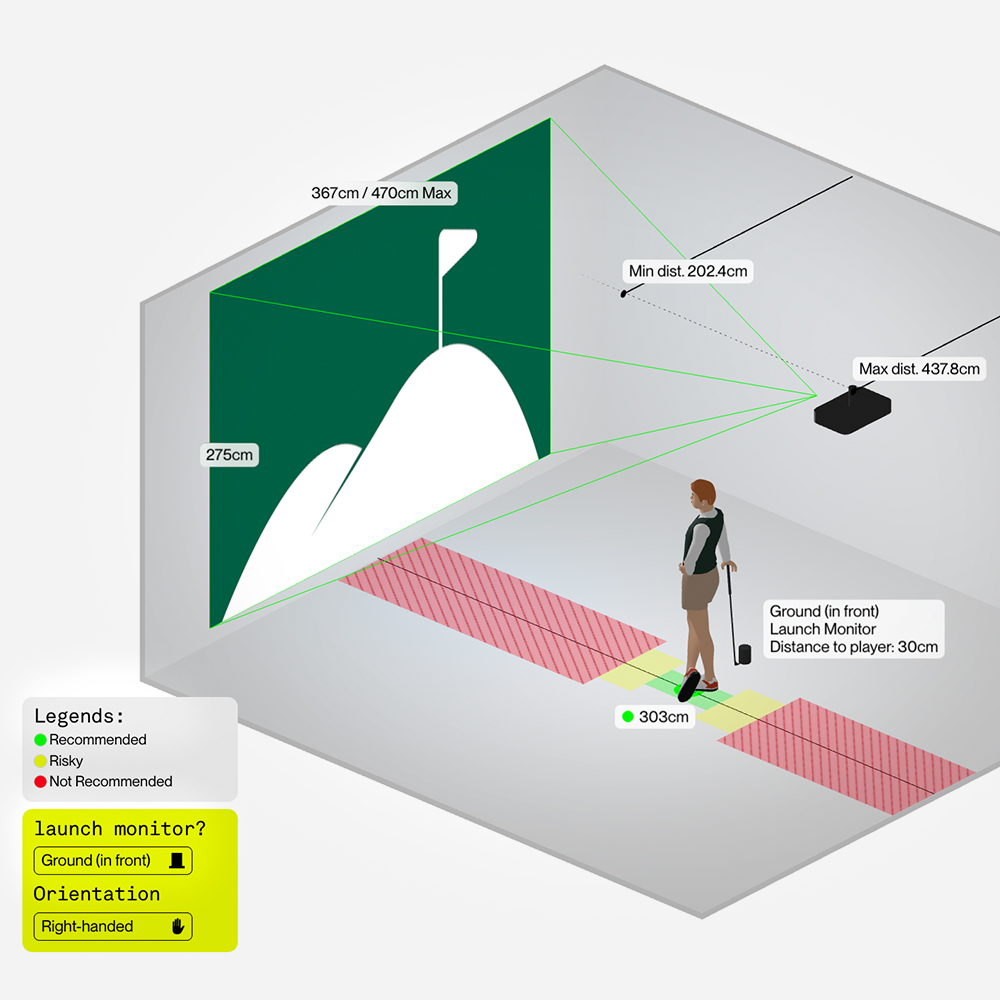
Your room’s dimensions and golfer height set the foundation of your setup. They determine screen size, projector placement, simulator positioning, and overall playability. Use our Golf Sim Space Planning tool to quickly evaluate your space and discover the recommended screen size, projector position, and setup for your room

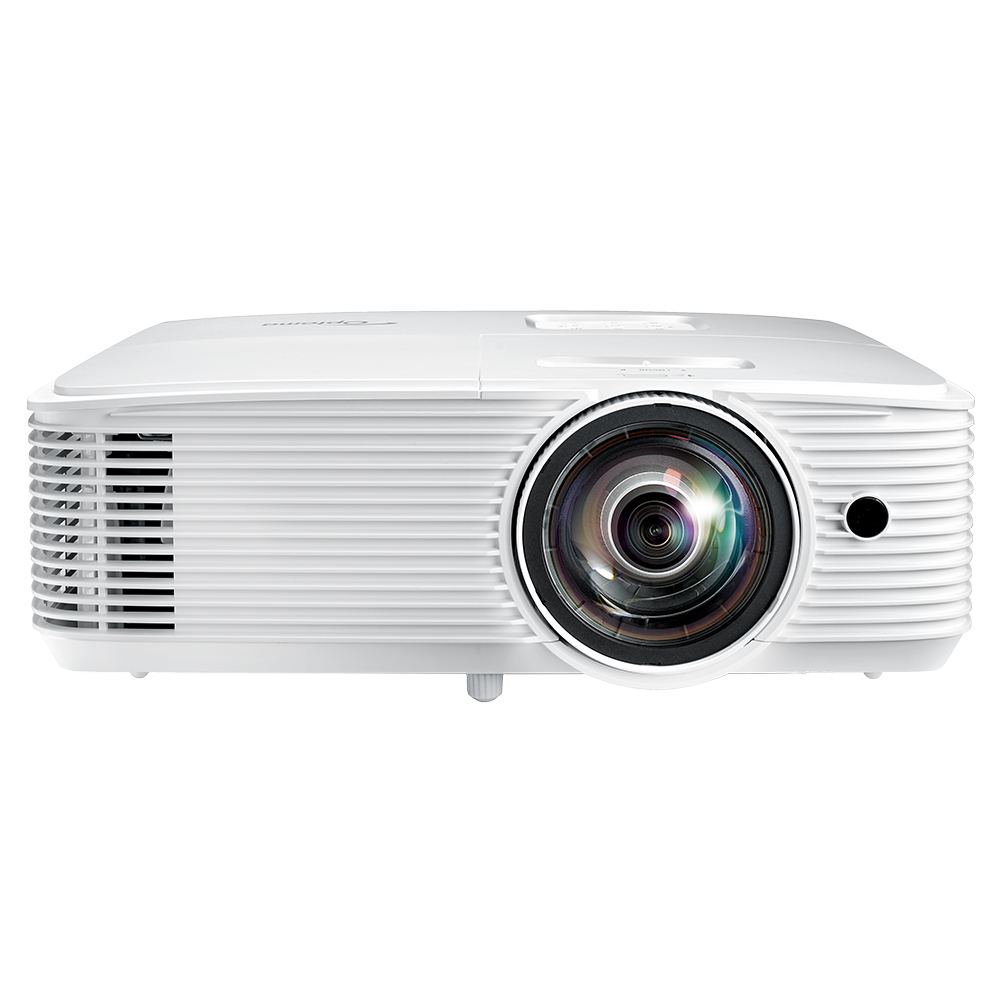
AGT1280HDR
Short Throw. Brilliant Performance. Compact Design.
Elevate every movie night and gaming session with the AGT1280HDR — a powerful Full HD short throw projector delivering 3,800 lumens of brightness for immersive entertainment, day or night.
Designed to create a big-screen experience even in limited spaces, the AGT1280HDR combines vibrant color, reliable performance and long lamp life in a compact, versatile design. Whether permanently installed or moved from room to room, it brings cinematic-scale entertainment wherever you need it.
With multiple connectivity options, the AGT1280HDR makes it easy to connect laptops, PCs, Blu-ray players and compatible streaming devices.
Short Throw. Brilliant Performance. Compact Design.
Designed to create a big-screen experience even in limited spaces, the AGT1280HDR combines vibrant color, reliable performance and long lamp life in a compact, versatile design. Whether permanently installed or moved from room to room, it brings cinematic-scale entertainment wherever you need it.
With multiple connectivity options, the AGT1280HDR makes it easy to connect laptops, PCs, Blu-ray players and compatible streaming devices.
Short Throw. Brilliant Performance. Compact Design.
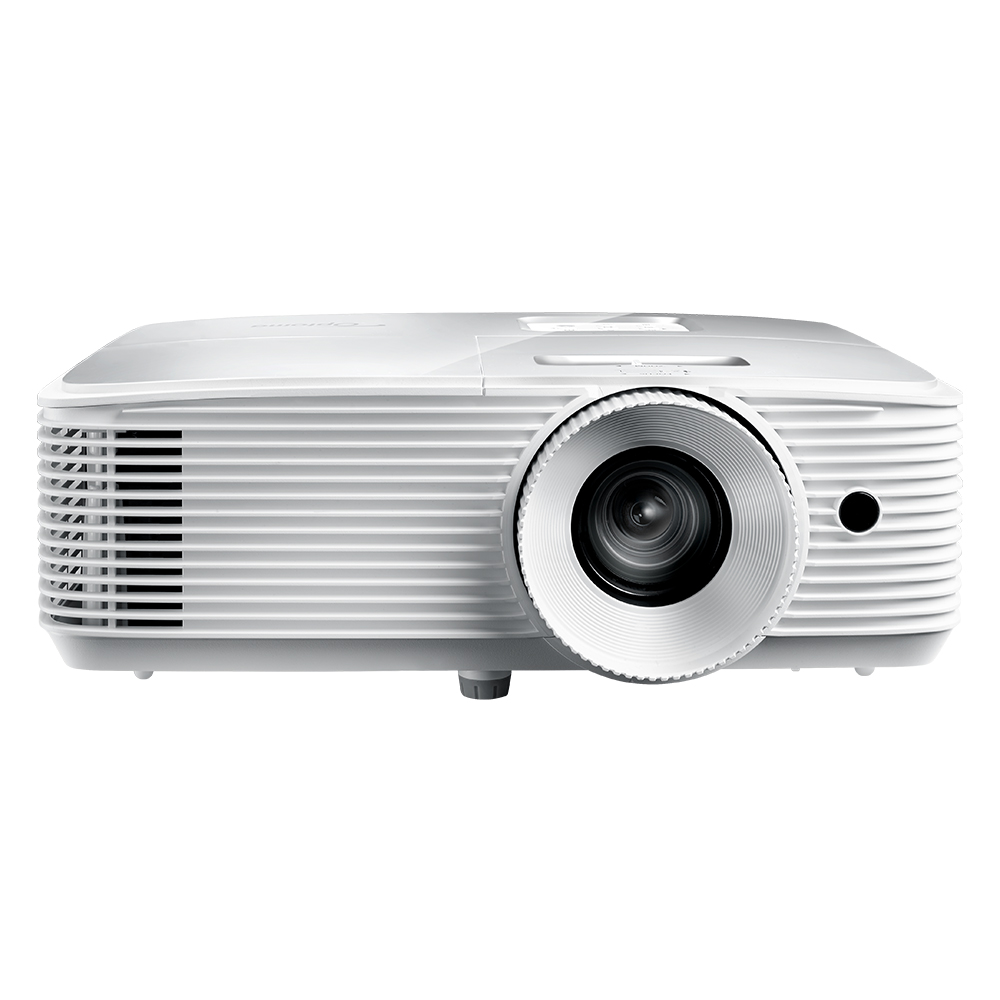
AEH423
Exceptional Clarity. Powerful Performance. Versatile by Design.
Deliver bright, impactful Full HD 1080p visuals with the AEH423 projector. Ideal for golf simulation, classrooms, and meeting rooms, its high-brightness performance ensures clear, vibrant images across a variety of lighting conditions. For golf simulation environments, the AEH423 delivers crisp, detailed visuals that bring virtual courses to life for a more immersive experience.
The AEH423 also offers flexible connectivity with multiple inputs, including HDMI and VGA, along with a built-in 10W speaker for clear, powerful audio. USB power support enables convenient connection and power for compatible HDMI dongles, simplifying installation and system integration. Combining Full HD image quality, high brightness, and versatile connectivity, the AEH423 is a practical projection solution for golf simulation, education, meetings, and everyday professional applications.
The AEH423 also offers flexible connectivity with multiple inputs, including HDMI and VGA, along with a built-in 10W speaker for clear, powerful audio. USB power support enables convenient connection and power for compatible HDMI dongles, simplifying installation and system integration. Combining Full HD image quality, high brightness, and versatile connectivity, the AEH423 is a practical projection solution for golf simulation, education, meetings, and everyday professional applications.
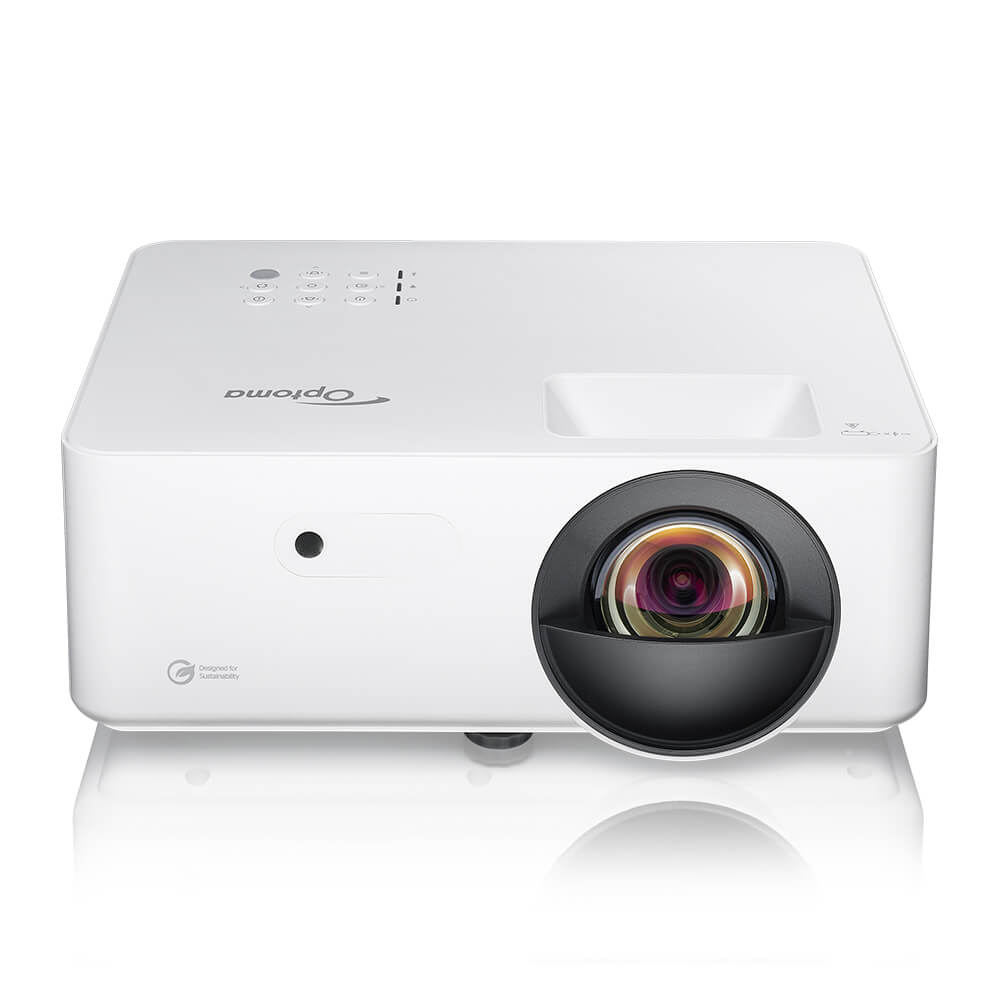
LH352ST
Optoma LH352ST Full HD 3,300 Lumens Short Throw Business and Education Projector
Optoma LH352ST is a versatile Full HD projector with 3,300 lumens of brightness, designed for business, education, and entertainment environments. Featuring a long-lasting, lamp-free 4LED light source and short throw capability, it delivers bright, vivid visuals and reliable performance in meeting rooms, classrooms, and a wide range of business and entertainment settings—including DIY golf simulation setups.
3,300 lumens for clear visuals in ambient lighting conditions
• Short throw lens for a large screen in smaller spaces
• Centralized control with Optoma Management Suite Cloud (OMSC)
• Up to 30,000 hours lifespan for long-lasting performance
• Eco-conscious design for energy-efficient operation
3,300 lumens for clear visuals in ambient lighting conditions
• Short throw lens for a large screen in smaller spaces
• Centralized control with Optoma Management Suite Cloud (OMSC)
• Up to 30,000 hours lifespan for long-lasting performance
• Eco-conscious design for energy-efficient operation
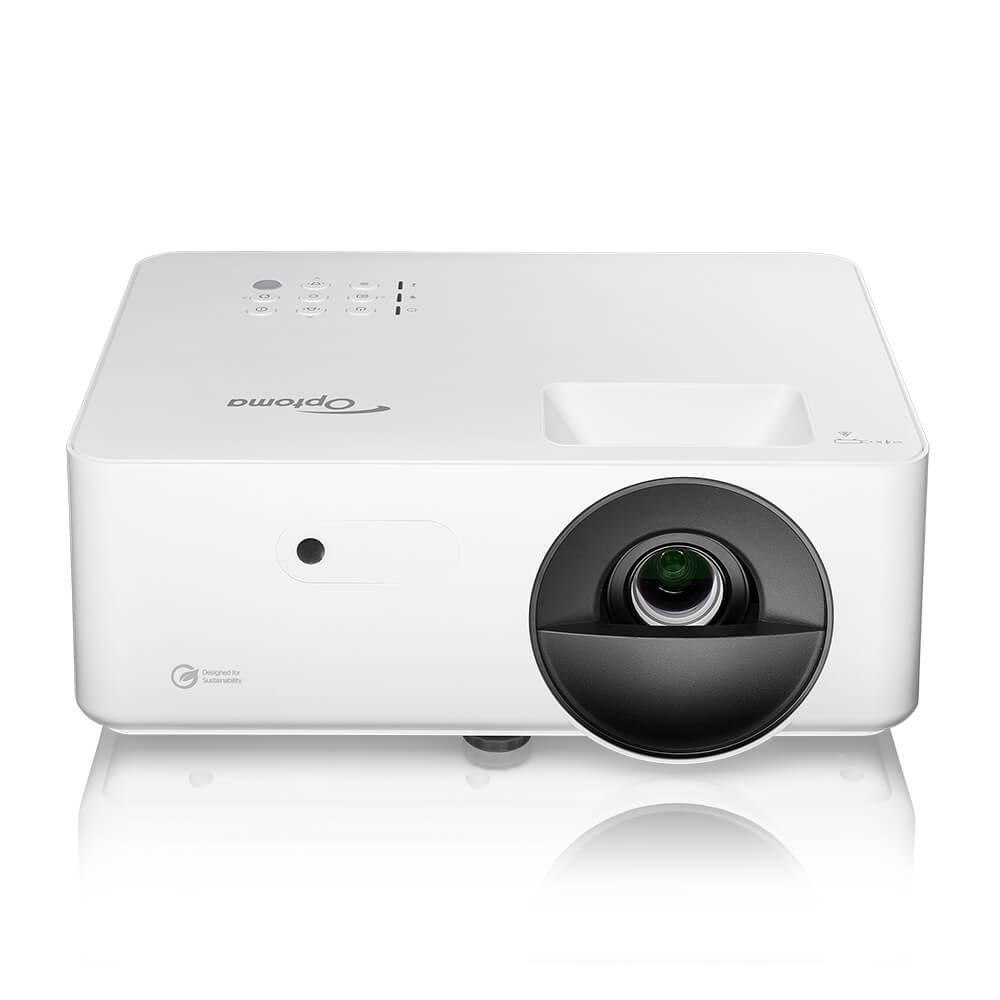
LH351
Optoma LH351 Full HD 3,500 Lumens Business and Education Projector
Optoma LH351 is a versatile Full HD projector with 3,500 lumens of brightness, designed for business, education, and entertainment environments. With a long-lasting, lamp-free 4LED light source, it delivers bright, vivid visuals and reliable performance in meeting rooms, classrooms, and a wide range of business and entertainment settings—including DIY golf simulation setups.
3,500 lumens for clear visuals in ambient lighting conditions
• Centralized control with Optoma Management Suite Cloud (OMSC)
• Up to 30,000 hours lifespan for long-lasting performance
• Eco-conscious design for energy-efficient operation
3,500 lumens for clear visuals in ambient lighting conditions
• Centralized control with Optoma Management Suite Cloud (OMSC)
• Up to 30,000 hours lifespan for long-lasting performance
• Eco-conscious design for energy-efficient operation


